


Instructions
How the Padlet world map works.
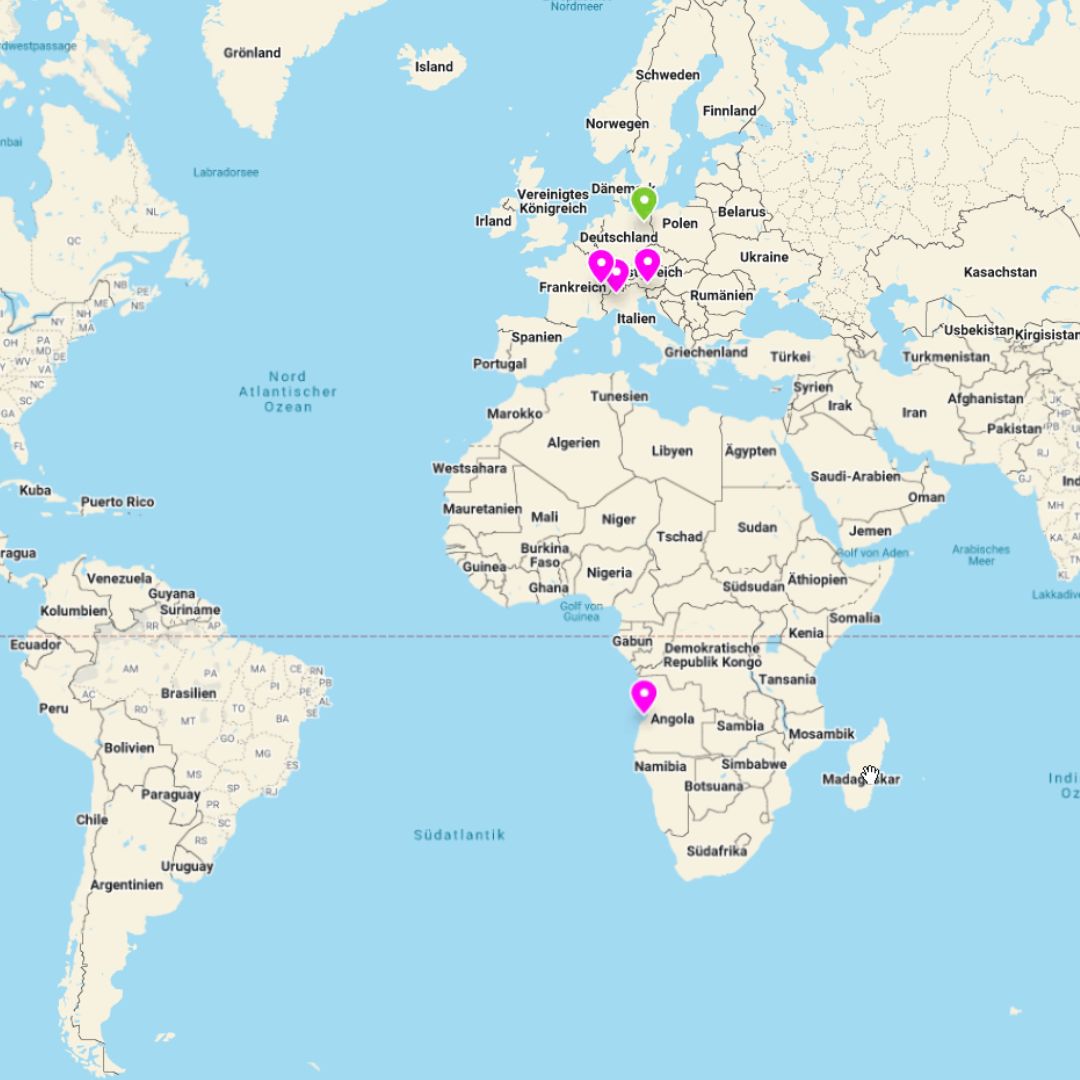
All contributions from around the world are gathered on one shared interactive world map.
Each pin represents a person and their favourite tree.
Here you will learn how to place your pin and become part of this growing community.
It all begins with the tree ...
Have you completed your contribution and are you ready to publish it?
Good, then check the following points ...
The checklist
You are ready to add your contribution to the world map only once you can tick off every point.
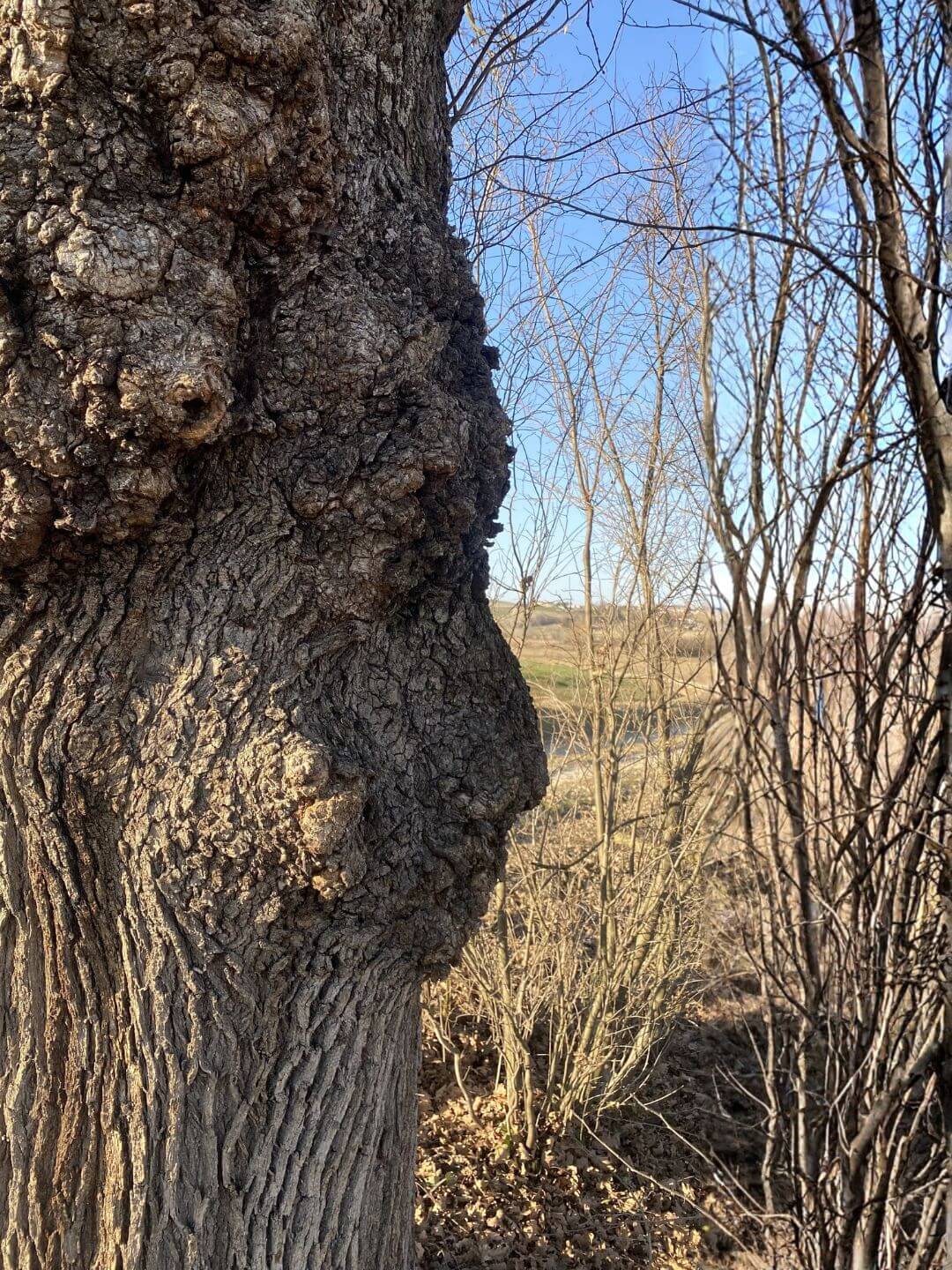
You have found the tree that inspires you.
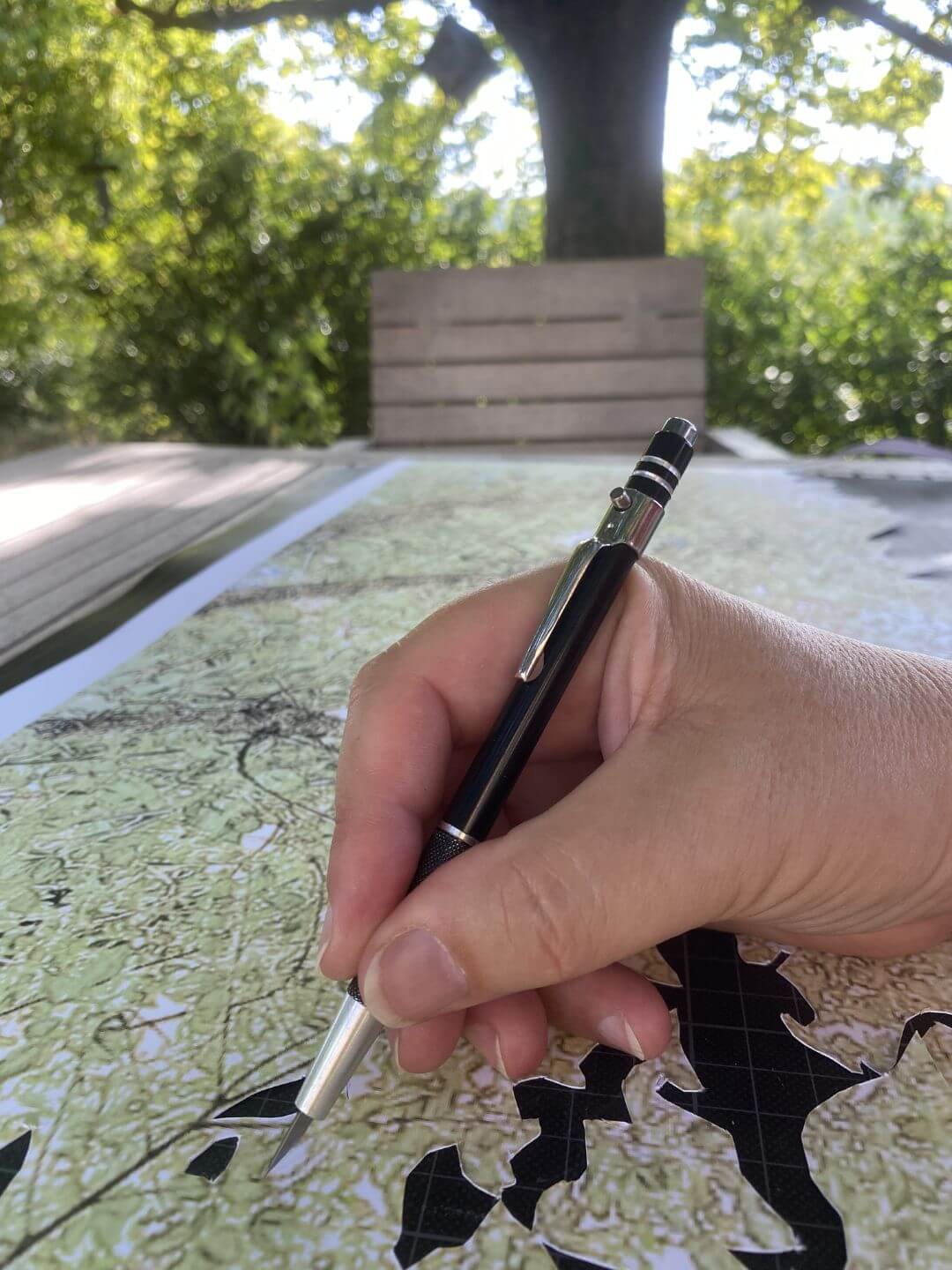
You have created your story, poem, sketch, drawing, painting, photo ...
Further information
Photographs of sketches, drawings and paintings, as well as all other photos, should be available in JPG or PNG format. Files should be no larger than 1 MB; 500 KB is even better.
Text can be formatted in Padlet. To do this, highlight the text; a small icon bar will then appear. No character limit is known.
No matter what language you use to write your post, please always provide an English version of your text as well - if possible.
The process
1 – Open the world map
Scroll down on this page to the embedded map – or open it directly using the button. The interactive Padlet map opens in full view.
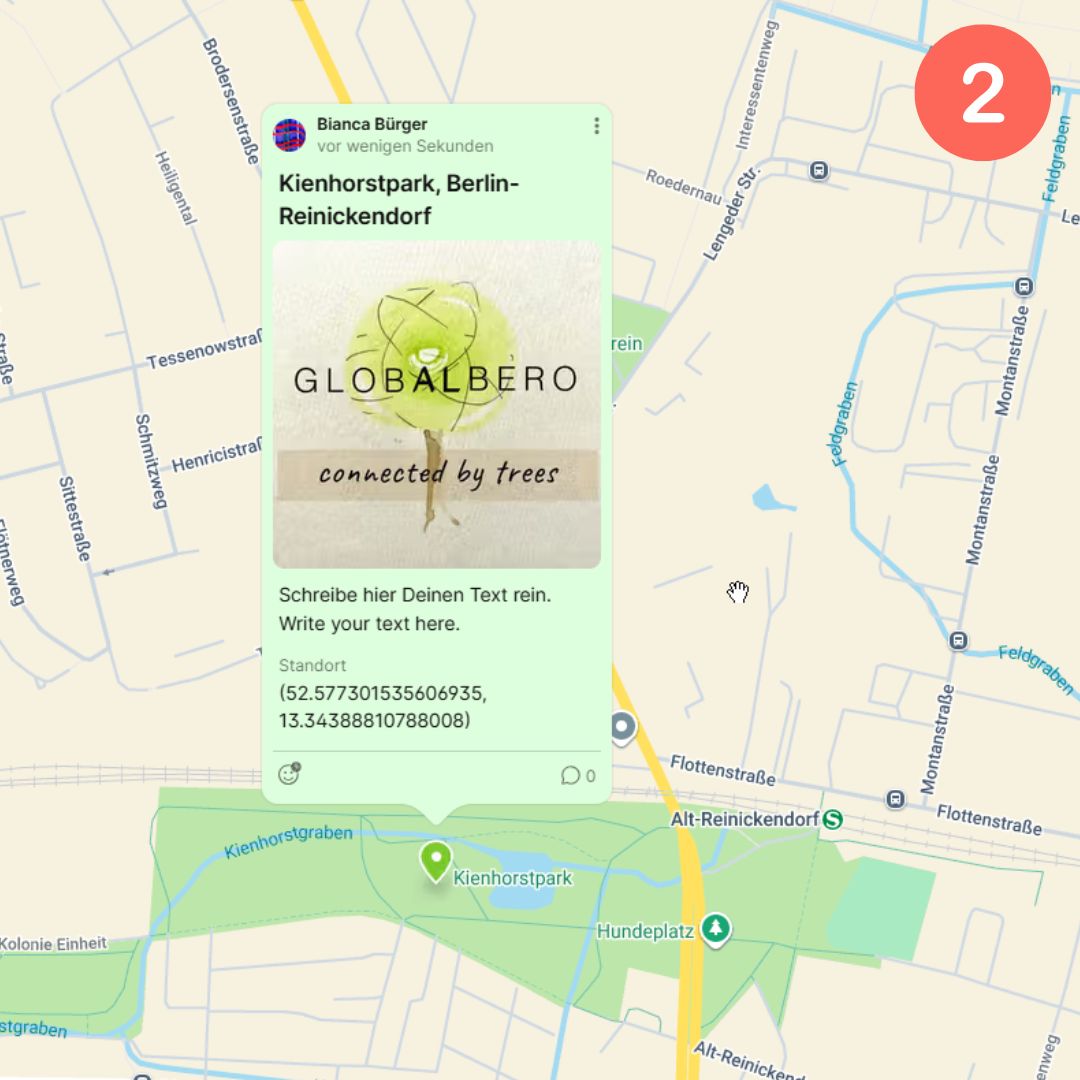
2 – Find the location
Before you really get started, first find the location on the map. This will make it easier to place the pin.
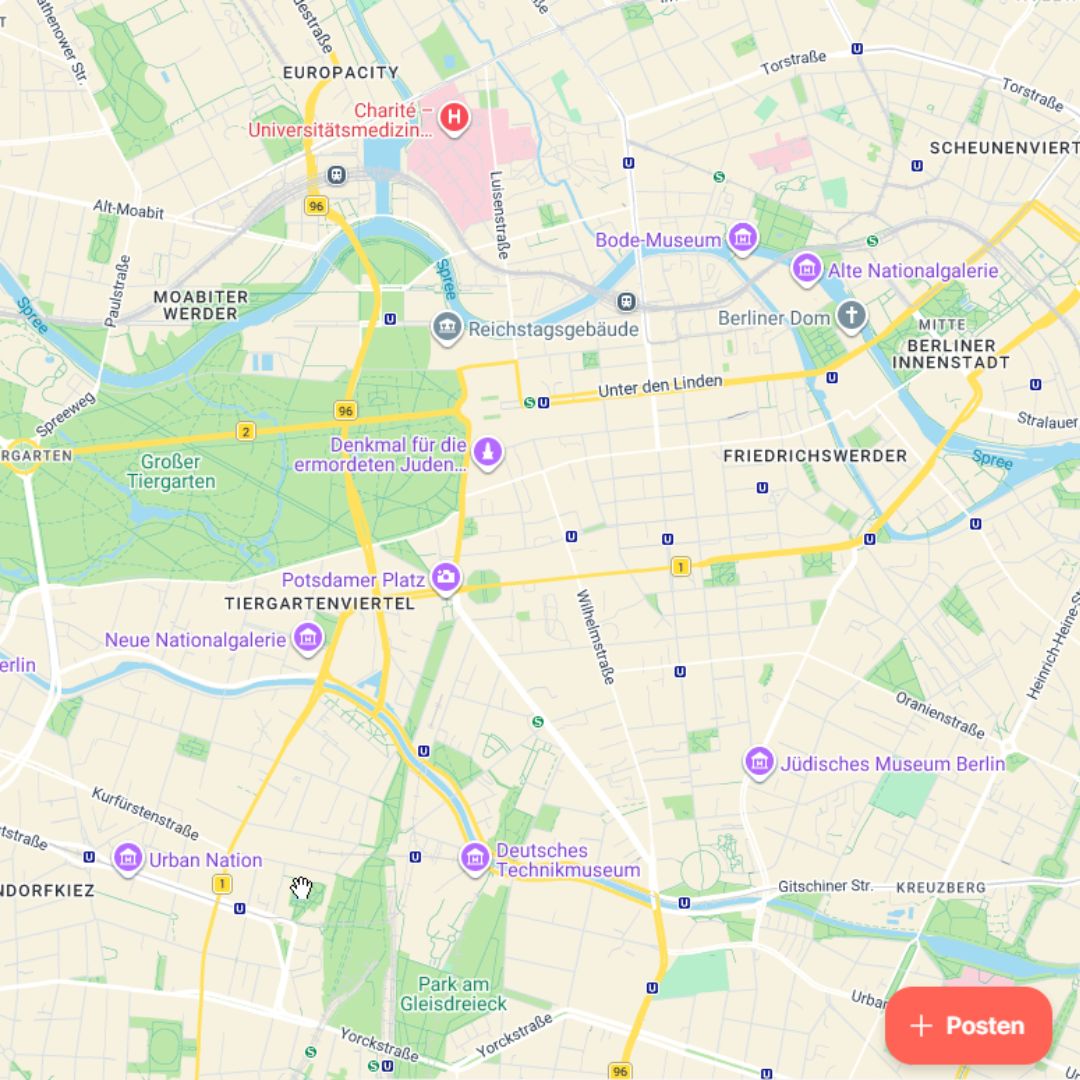
3 – Create a post
You will find a button labelled “Post”. Click it.
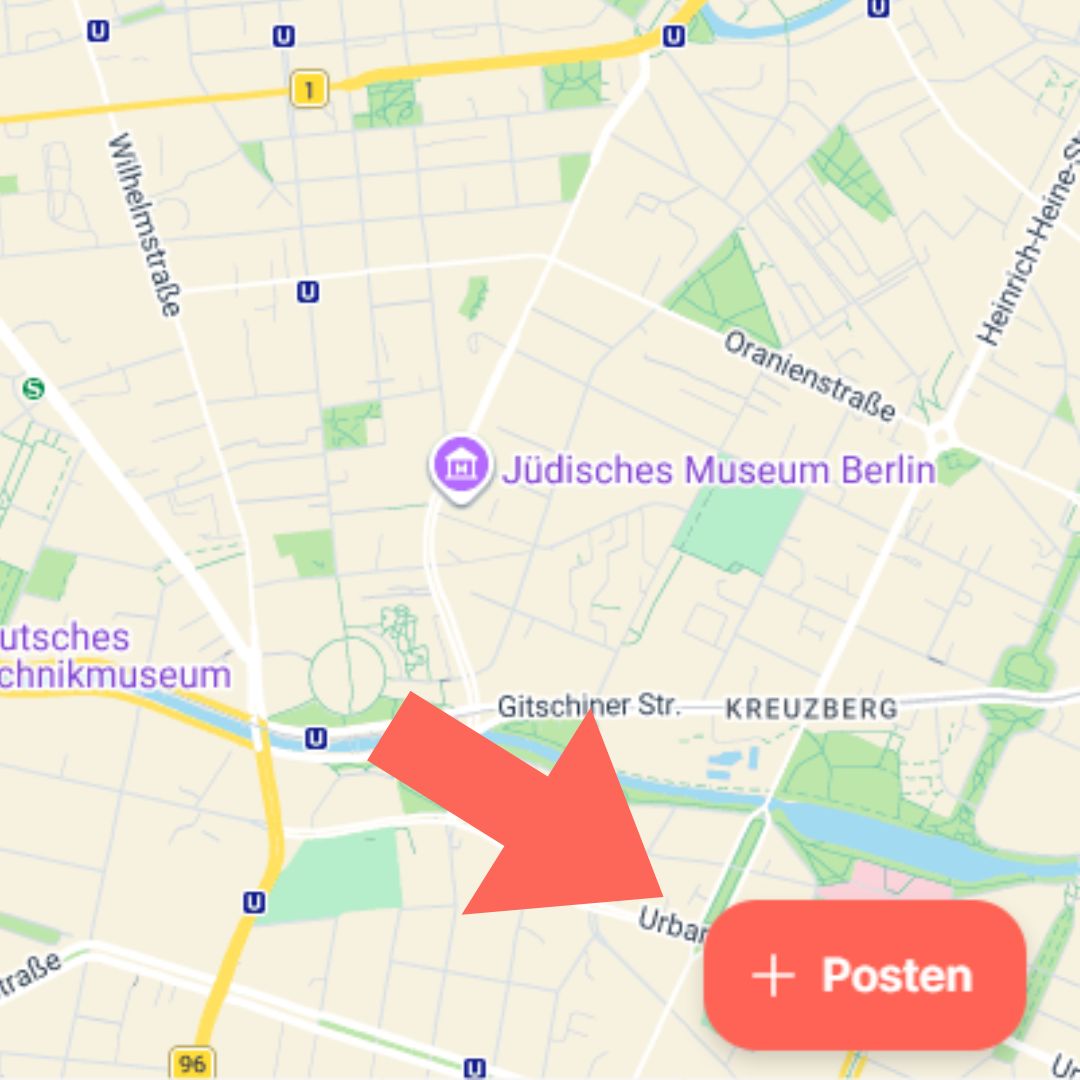
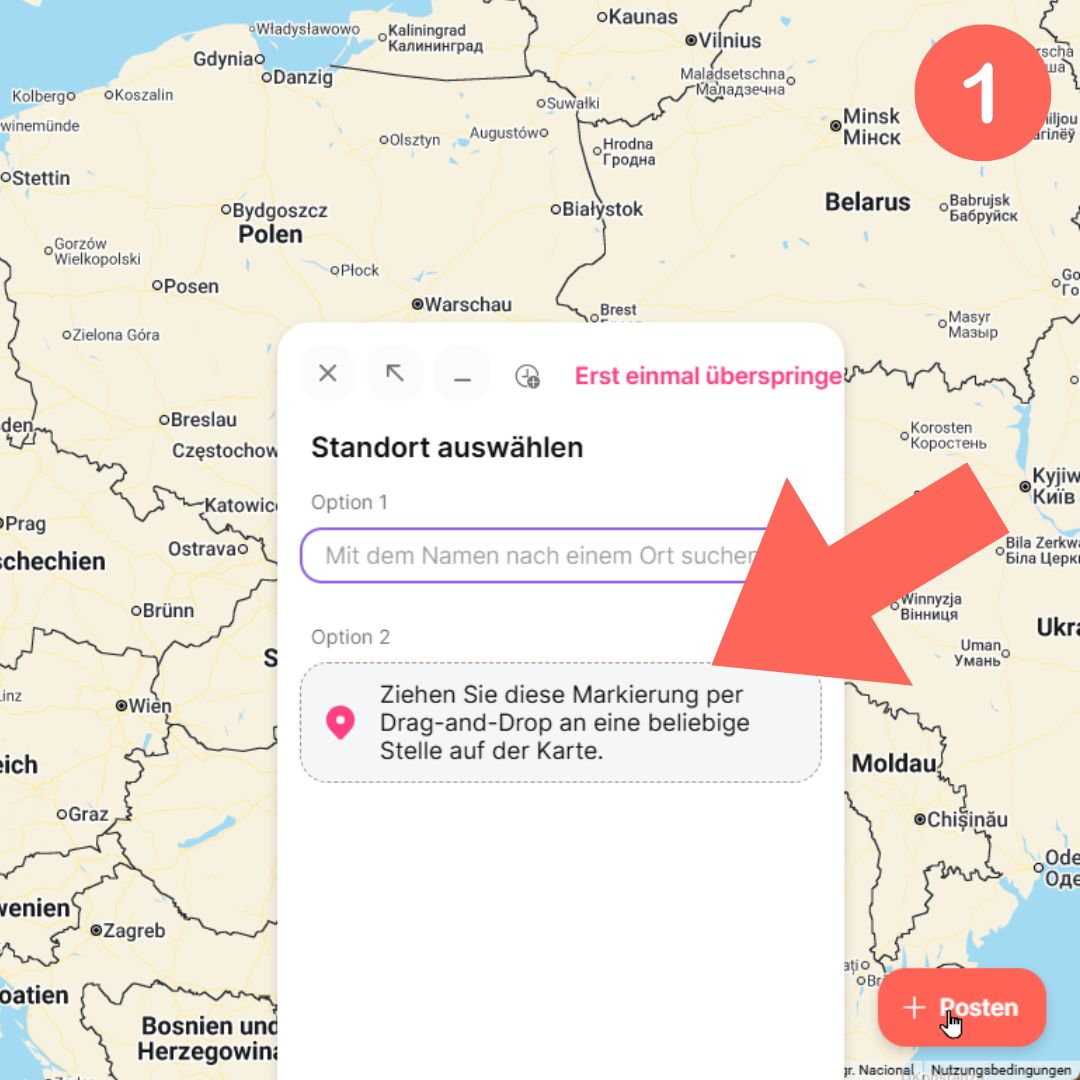
4 – Place the pin
1 – You can find the location using the search function or place the pin directly.
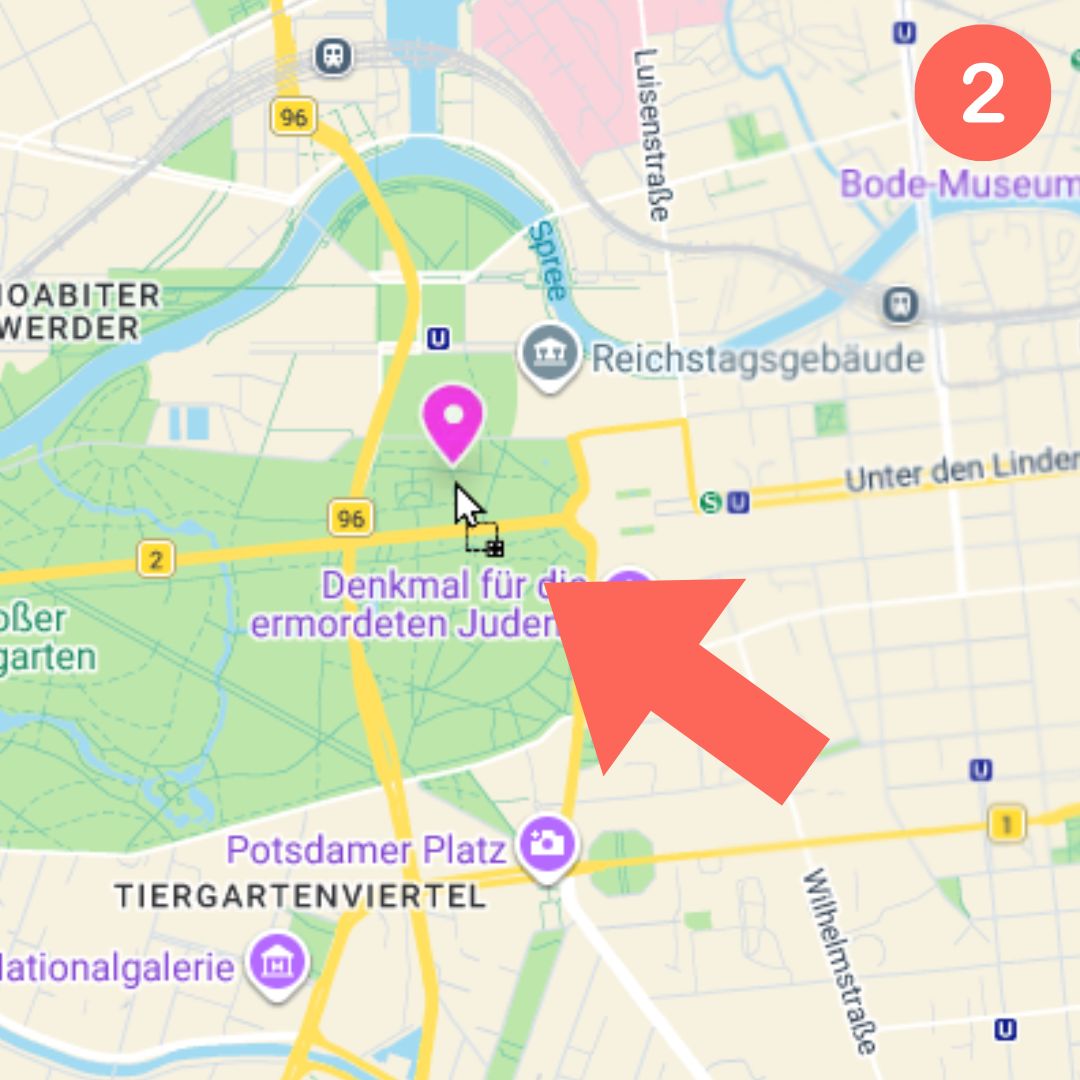
2 – Take the pin and place it on the world map.
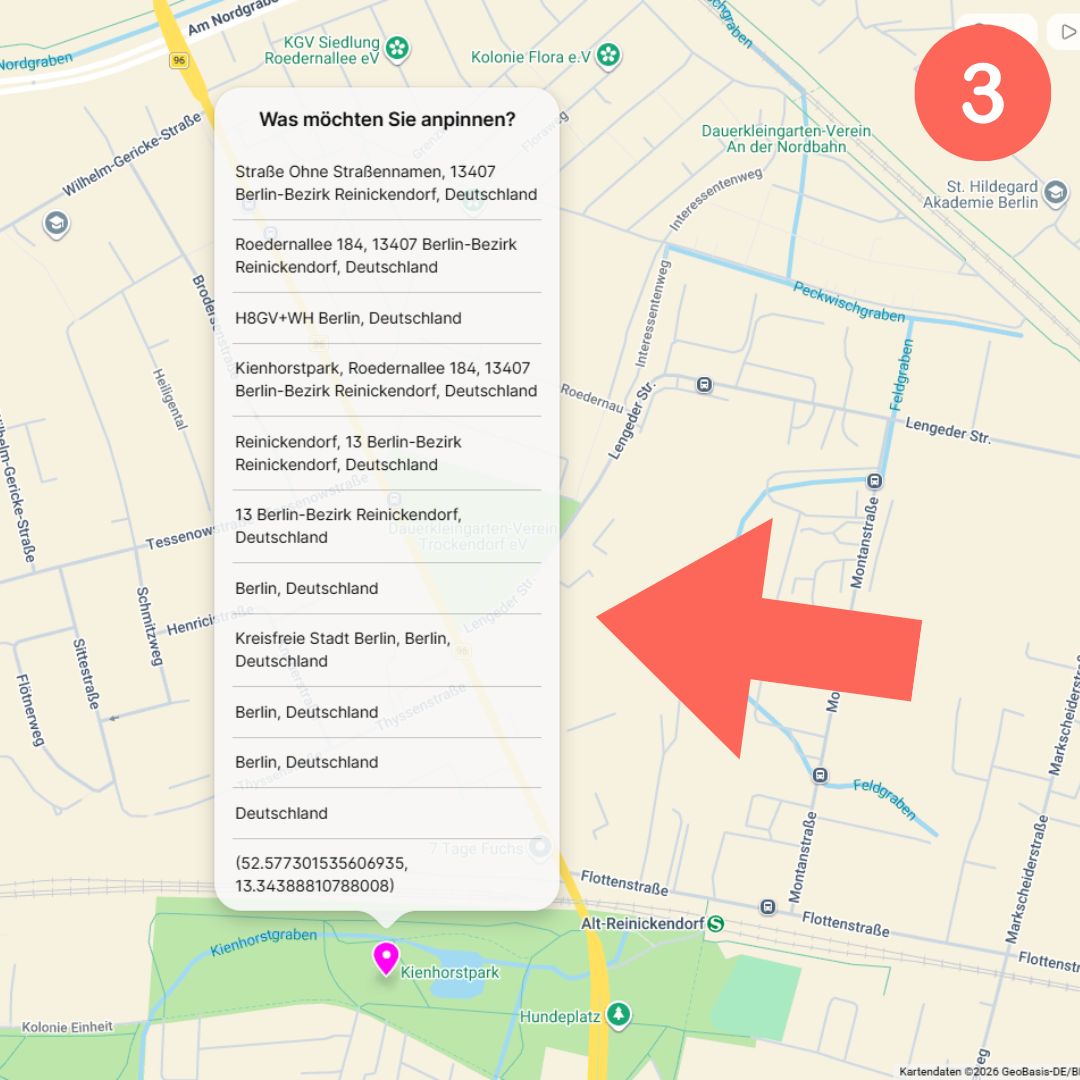
3 – You will then be asked under which name the pin should appear. Choose the option that suits you.
5 – Add photos and text
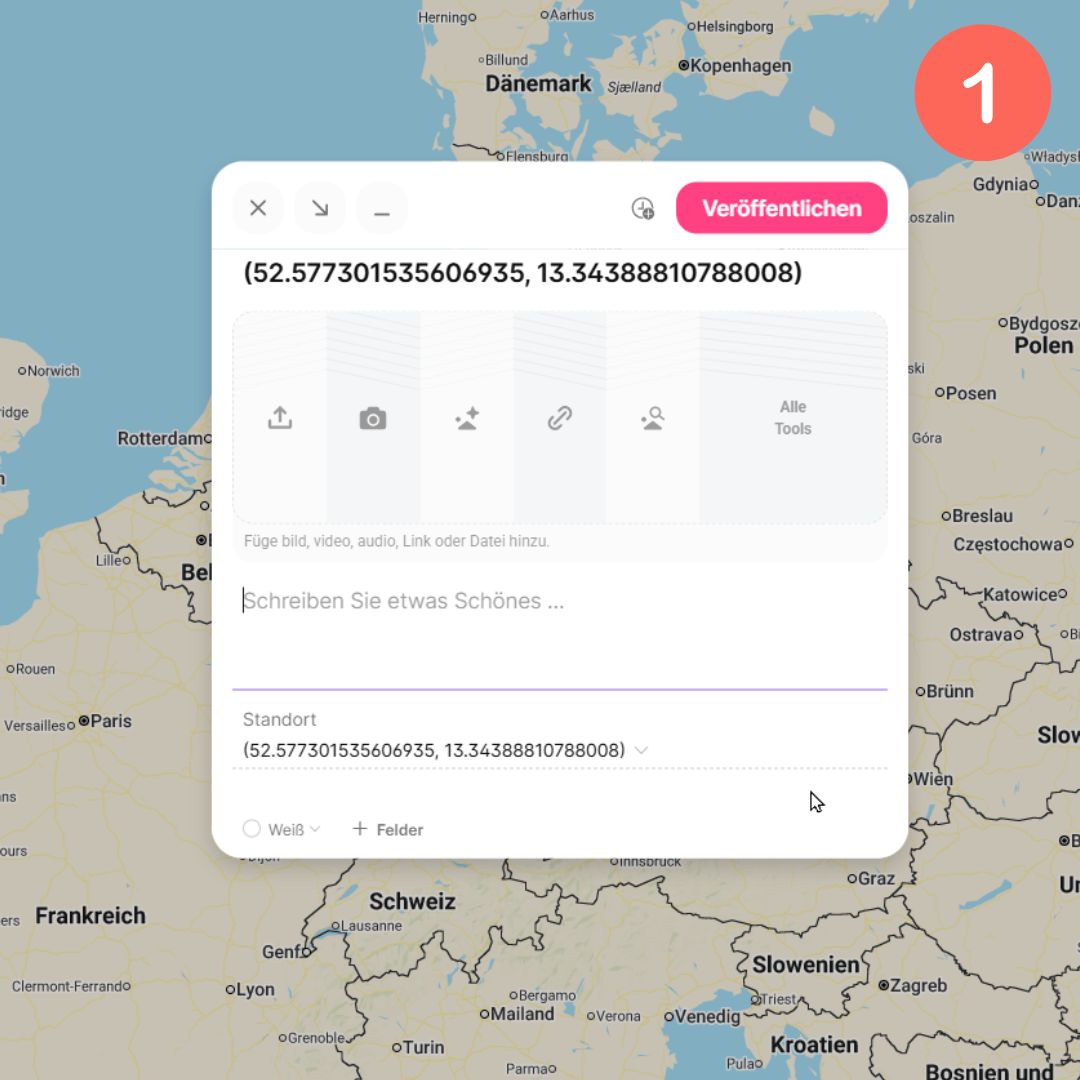
1 – You will now see the contribution form. In the upper section, you can add media. The text area is in the centre; below it, you will find further fields for connecting with others, such as an email address, website URL or social media profiles.
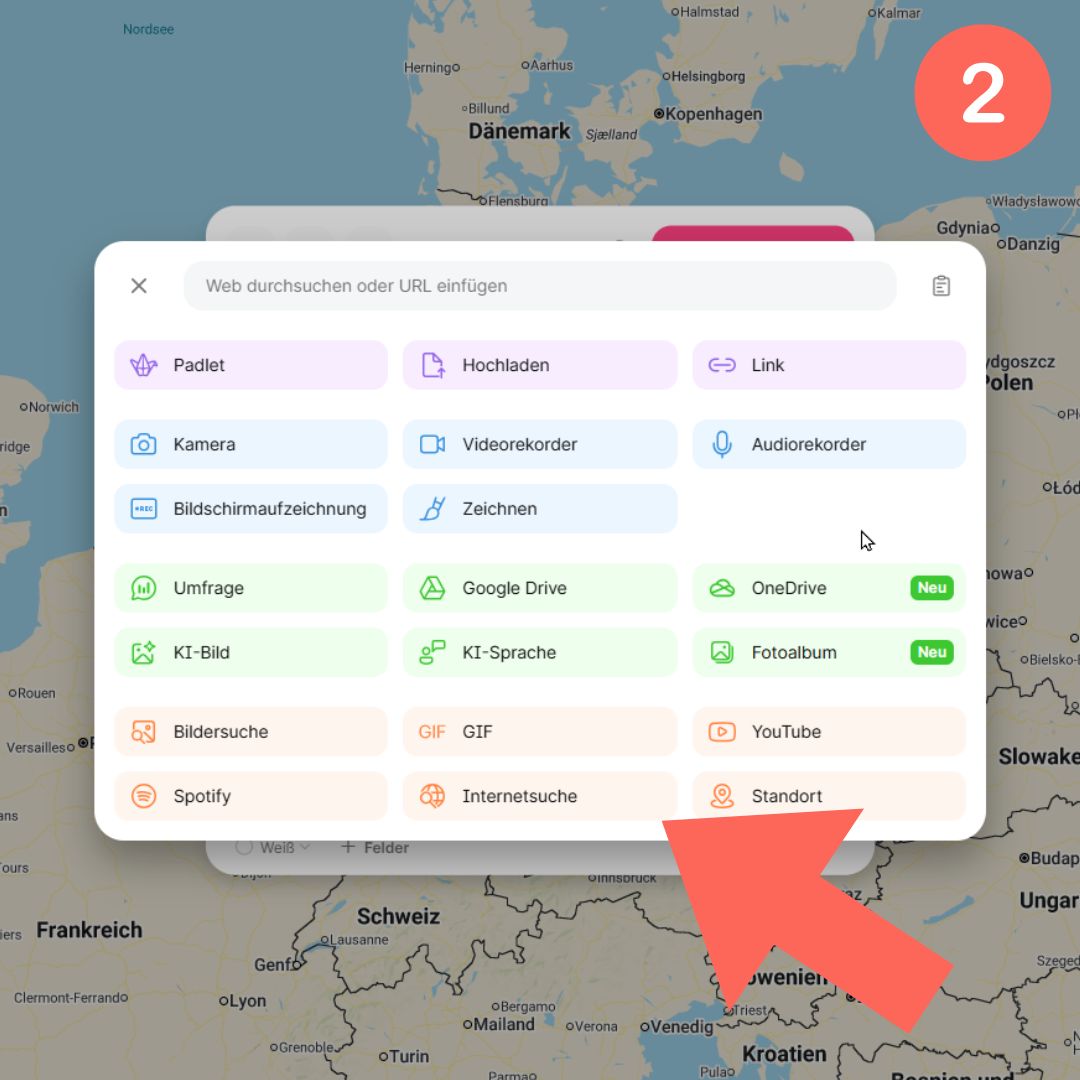
2 – Select “All tools” to see an overview of the available options.
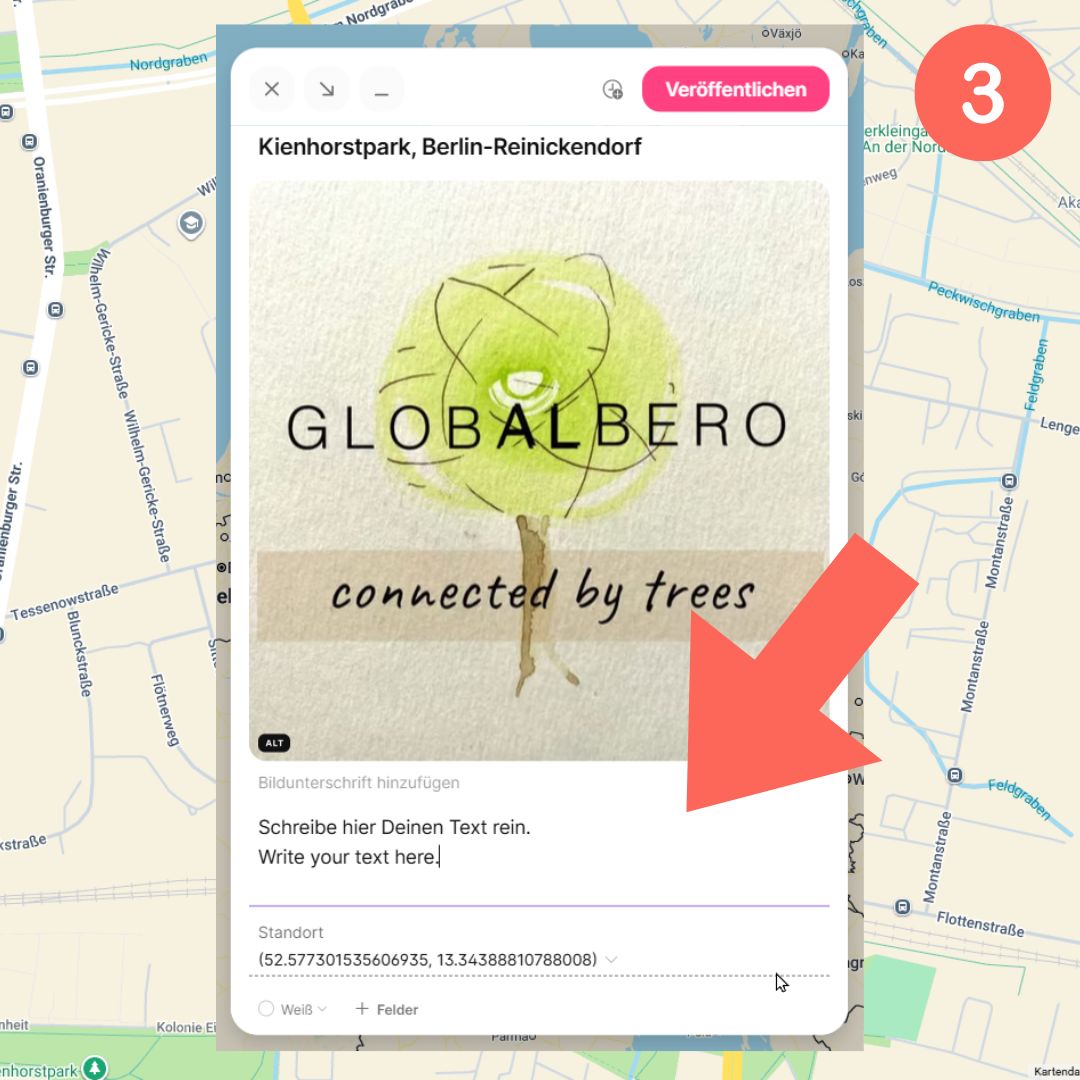
3 – Enter your text and do not forget to provide it in English as well.
Good to know:
The world map is public. We also share selected entries on Instagram and our other channels, always with credit. Want to be tagged? Add your Instagram name to your entry. If you'd rather not have your entry shared, just let us know.
6 – Publish
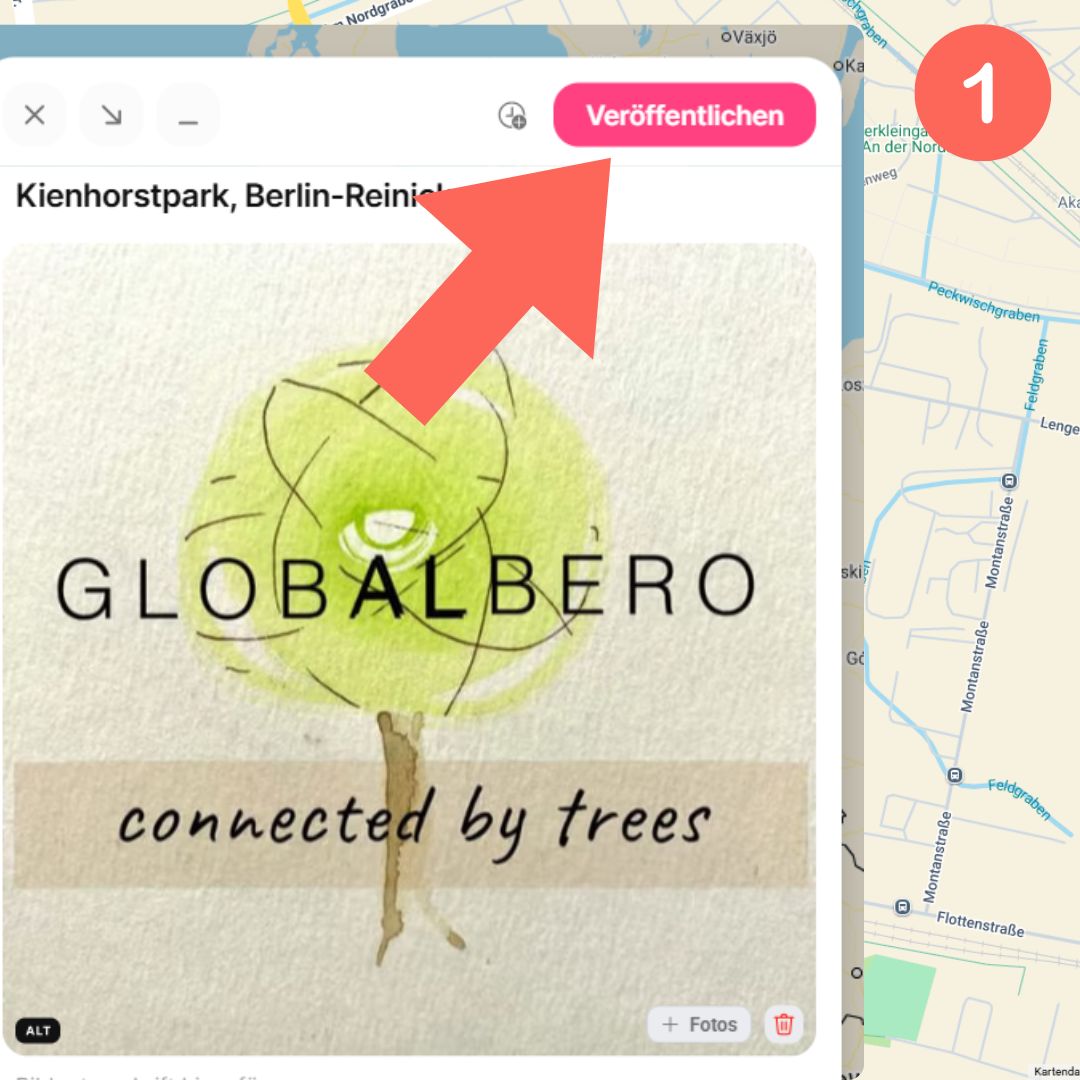
1 – Click “Publish”.
2 – Your contribution will appear on the world map and will be visible to everyone.
No Padlet account required
You can get started right away – without registering. A free Padlet account has the advantage that you can edit or add to your contribution later.
Contributions are reviewed
All pins are briefly reviewed. We want to ensure that the map remains a welcoming and respectful place.
Questions or problems? Contact us at support@globalbero.com
Encourage others to take part –
tell them about the project!
We want you to connect and exchange ideas with others. Networking is one part of it, but we also want as many people as possible to join in. No matter where in the world you or your friends are: take part and talk about it!
Feel free to share our project on social media – the more people who know about it, the better.
The world map
Discover contributions from around the world – or place your own pin now and become part of the global tree community.